Muhammad Afan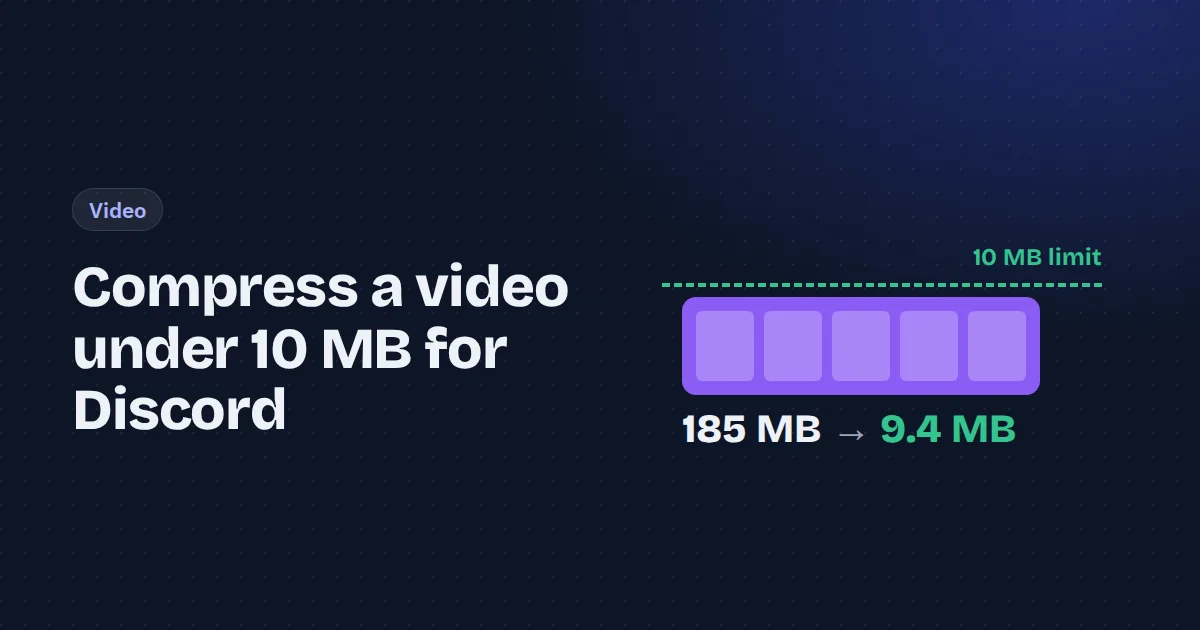
Discord's free plan caps uploads at 10 MB. A minute of phone video is usually 100 MB or more, so you need to shrink it by a factor of ten or so. That's very doable, but a "compress video" button that guesses will often overshoot, either to 14 MB (rejected) or 3 MB (needlessly blurry).
The reliable way is to work backwards from the size limit. Here's how it works, plus the numbers from our own test.
The maths in one line
A video's size is its bitrate multiplied by its length. So:
video bitrate = (target size ÷ duration) − audio bitrate
For a 60-second clip and a 10 MB target, that's about 1,310 kbps in total. Leave 96 kbps for audio and a few percent for the container overhead, and the video gets roughly 1,200 kbps. That's the number to aim for.
Two things follow from this. Length matters more than anything else: a 15-second clip gets four times the bitrate of a 60-second one. And resolution doesn't change the size, only how that bitrate is spent.
What we found
We took a 1080p, 30 fps clip and made it 60 seconds long, which came to 185 MB. Then we compressed it to fit 10 MB at three resolutions, each with the same calculated bitrate, and compared the results against the original using SSIM, a standard measure of how closely an image matches its source (1.0 is identical).
| Resolution | Output size | SSIM vs original |
|---|---|---|
| 1080p | 9.4 MB | 0.889 |
| 720p | 9.4 MB | 0.883 |
| 540p | 9.5 MB | 0.863 |
All three fit under 10 MB, because the size comes from the bitrate. Quality-wise, 1080p and 720p were almost tied. We expected 720p to win, since the bitrate is spread over fewer pixels, but on this clip the difference was negligible. 540p was noticeably softer.
The bigger difference was time. In-browser encoding runs on your CPU, and on the 10-second version of the clip the video compressor took about 3 minutes at 1080p and under 2 minutes at 720p. For long clips, 720p is the practical choice.
Step by step
- Trim first. Every second you cut buys more bitrate for the rest. Use the video trimmer in fast-cut mode, which is instant because it doesn't re-encode.
- Open the video compressor and choose your clip.
- Click the Discord preset, which sets the target to 10 MB. The panel shows the bitrate it will use.
- Choose 720p if the clip is longer than about 20 seconds, to keep the encoding time reasonable.
- Click Compress video, check the result in the preview, and download the MP4.
The tool targets slightly under the limit on purpose. If a result ever lands above it, set the target to 9 MB and run it again.
Tricks when 10 MB isn't enough
Drop the audio. If the sound doesn't matter (a gameplay clip with music you'll talk over, a screen recording), mute the video first. That frees the audio bitrate for the picture.
Lower the frame rate. Screen recordings at 60 fps waste bits on frames where nothing moves. Thirty is plenty for most clips.
Make it a GIF instead. Counter-intuitively, GIFs are huge per second. They only make sense for clips of a few seconds. For a short reaction loop, the video to GIF tool lets you set the width and frame rate.
Convert odd formats first. Discord previews MP4 and WebM inline. A MOV from an iPhone usually plays, but converting MOV to MP4 avoids surprises on other devices.
Frequently asked questions
What is Discord's file size limit?
10 MB on a free account. Paid Nitro plans raise it considerably. Servers boosted to higher levels also allow larger uploads for everyone in them.
Why does my compressed video look blocky?
The clip is too long for the target size, so each second gets very few bits. Trim it, or accept a lower resolution. Fast motion and grainy footage need more bitrate than static scenes.
Is it safe to compress videos online?
Most online compressors upload your video to their server. The one we used runs in your browser, so the file never leaves your device. That's worth checking before you upload a private recording anywhere.
Will the video still play on phones?
Yes. The output is H.264 video with AAC audio in an MP4 container, which every phone, browser and Discord client plays.