Muhammad Afan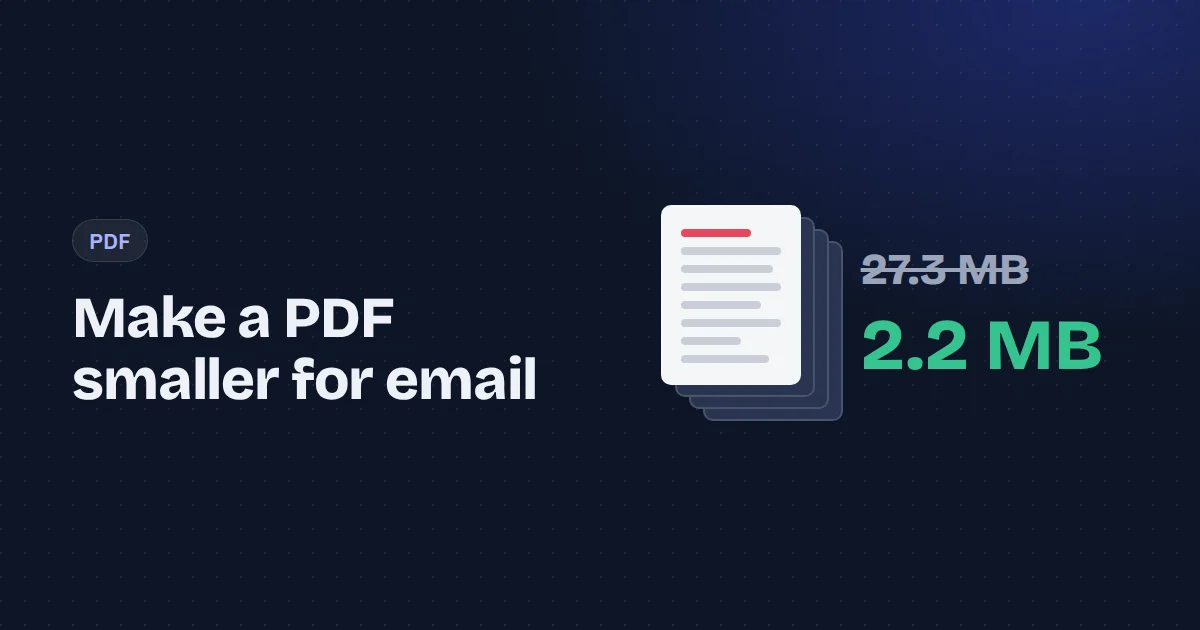
Gmail stops attachments at 25 MB, and plenty of company mail servers give up at 10 or 20. Job portals and government forms are often stricter still. So a PDF that's too big is a common, annoying problem.
The fix depends on why the file is big, and most guides skip that part. We tested two very different PDFs to show what actually happens.
What makes a PDF large
A PDF is a container. Text and vector drawings take almost no space: a 20-page report of plain text is usually well under 100 KB. What makes PDFs heavy is images, and scans in particular. A scanner or a phone scanning app stores every page as a photo, often at 300 DPI or more, and those photos are rarely compressed well.
So before compressing, ask: is this mostly text, or mostly pictures of pages?
Our test
We made two PDFs:
- A scanned document: 8 A4 pages scanned at 300 DPI. Size: 27.3 MB.
- A text document: 20 pages of typed text. Size: 57 KB.
Then we ran both through the Compress PDF tool with each setting.
| Setting | Scanned (8 pages) | Text (20 pages) |
|---|---|---|
| Original | 27.3 MB | 57 KB |
| Lossless | 27.3 MB (no change) | 30 KB (−46%) |
| Strong, 200 DPI | 5.6 MB (−80%) | larger, original kept |
| Strong, 130 DPI | 2.2 MB (−92%) | larger, original kept |
| Strong, 100 DPI | 1.5 MB (−95%) | larger, original kept |
The scanned file shrank by more than 90%. The text file got smaller only with lossless optimisation, and the strong setting would have made it bigger, so the tool kept the original.
Which setting to choose
Lossless rewrites the PDF's internal structure, packs objects together and drops unused data. Text stays text: you can still select it, search it and copy it. It helps most on files exported from Word or design software. It can't do much for scans, because the images inside are untouched.
Strong re-renders every page as an optimised image at the resolution you pick. This is what rescues scanned PDFs. The trade-off is that text becomes part of the image, so you can no longer select or search it. For a scan that's no loss, because it was a picture of text all along.
As a rule of thumb:
- Scans and phone-camera PDFs: Strong at 130 to 150 DPI. Our 8-page scan went from 27 MB to 2.2 MB and still looked clean at normal zoom on screen.
- Scans with small print like contracts or bank statements: Strong at 200 DPI. Still 80% smaller.
- Exported documents, reports, invoices: Lossless. If that doesn't get under the limit, the file probably contains large embedded photos, and Strong at 150 DPI is the next step.
Always open the result before sending it. Zoom in on the smallest text you need to be legible.
Other ways to get under the limit
Convert to grayscale. Colour scans of black-and-white documents waste space on colour that isn't there. The grayscale PDF tool does the conversion and compression in one pass.
Split it. If the recipient doesn't need everything in one file, split the PDF into parts that each fit, or extract only the pages that matter.
Send fewer pages. Cover sheets, blank backs from double-sided scanning and duplicate pages add up. Remove them first, then compress.
Privacy matters with PDFs
The PDFs people need to shrink are often the sensitive ones: payslips, ID scans, medical letters, signed contracts. Many free compressors upload them to a server for processing. The tool we used runs in the browser, so the file never leaves your computer. Whatever you use, check where the processing happens.
Frequently asked questions
Why did my PDF hardly get smaller?
It's probably mostly text or vector graphics, which are already compact. Lossless optimisation is the right setting, and the savings will be modest. If the file is large and text-based, it likely contains embedded images or fonts.
Can I compress a PDF to exactly 1 MB?
Not to an exact byte, but you can get close by lowering the DPI. At 100 DPI our 8-page scan was 1.5 MB, so a shorter scan at that setting would land under 1 MB.
Will compression remove my signature?
A drawn or image signature stays visible, because it's part of the page. A certificate-based digital signature becomes invalid after any change to the file, so compress before signing in that case.
Is lossless compression really lossless?
Yes. Page content is copied unchanged. Only the file's internal structure is rewritten.